 MyMemAlly MyMemAlly
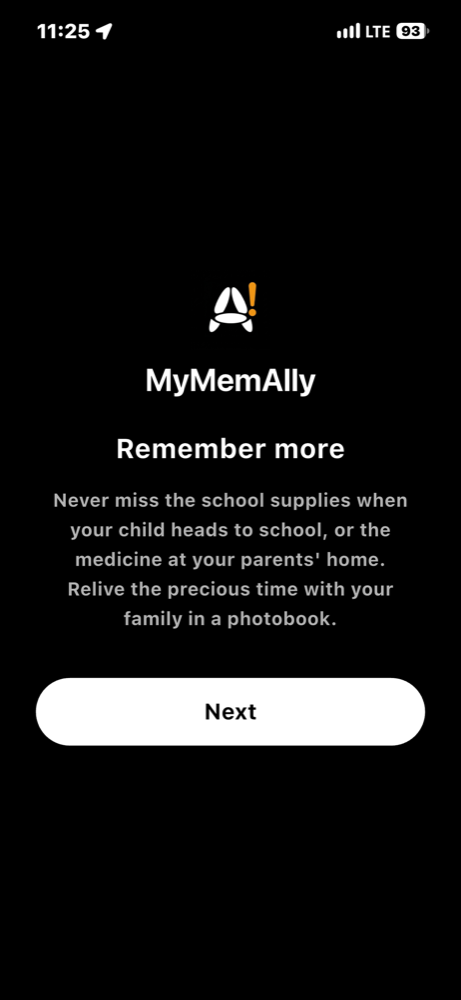
아이 학교 갈 때는 준비물을, 부모님 댁에서는 약 챙기기를 놓치지 마세요. 가족과 함께한 소중한 시간은 포토북으로 추억하세요. AI는 기기 안에서 이동 패턴과 사진을 살펴, 알람과 포토북을 먼저 제안해 줘요.
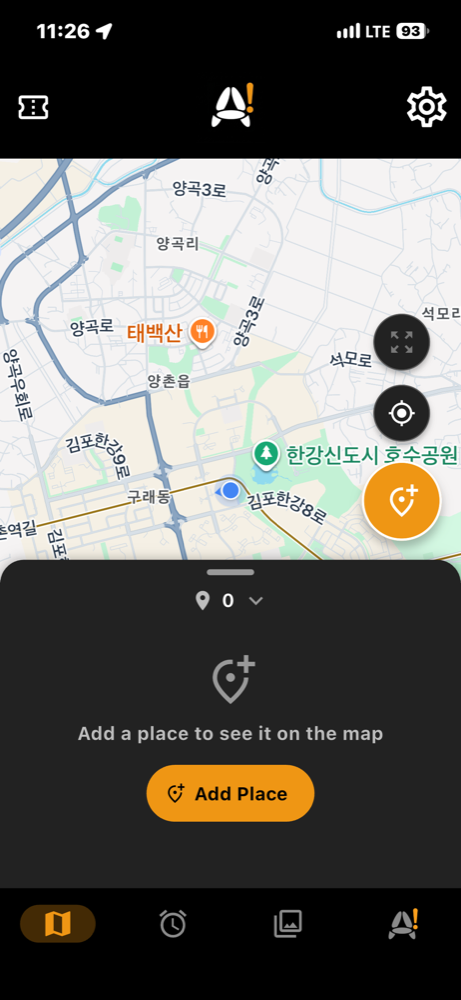
등록한 장소를 지도에 핀으로 보고, 핀을 누르면 그 장소의 알람과 포토북을 확인해요. 지도 아래 목록에서 장소를 추가할 수 있어요.
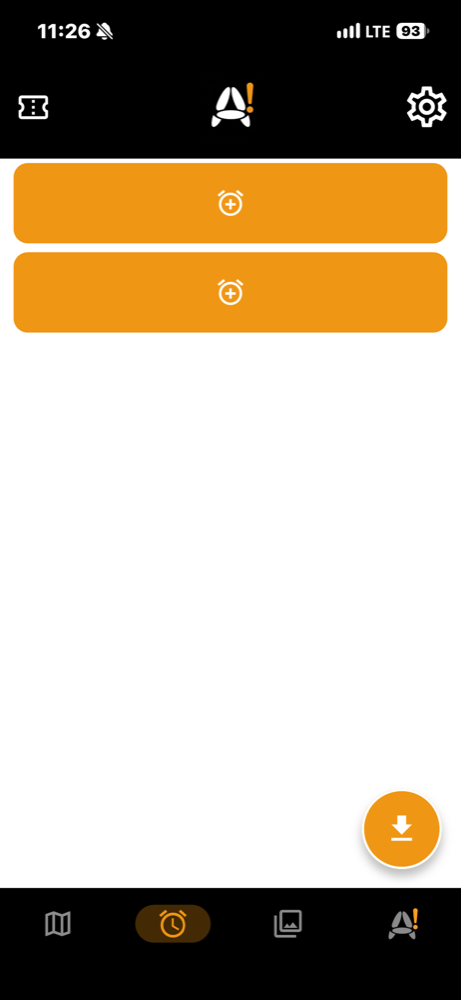
장소와 시간, 요일을 정해 그 장소에 있을 때만 울리는 알람을 만들어요. 시간 없이 장소만 정하면 도착했을 때 챙길 물건을 한 번 알려 줘요. 알람 2개까지 무료예요.
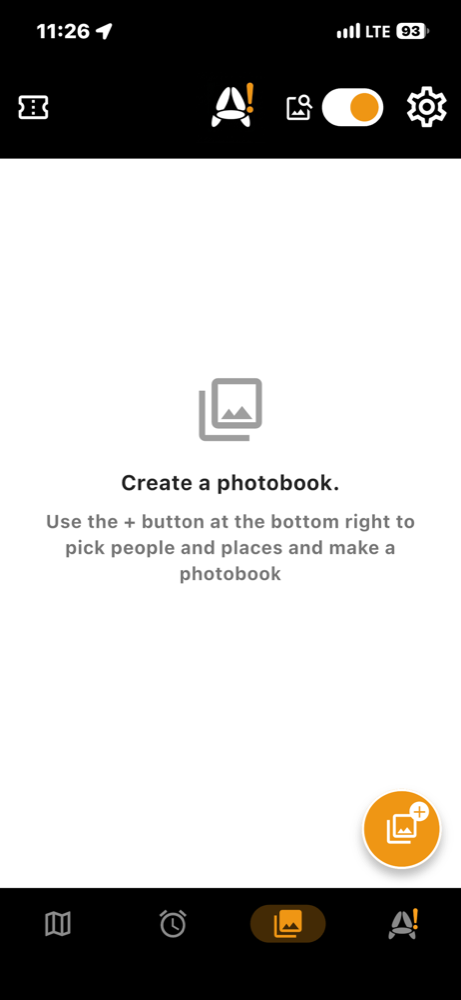
정사각형 포토북(표지 + 내지 30쪽 + 뒷표지)을 만들고 책처럼 넘겨 봐요. 사진·구도·머릿말(함께한 사람들 등)을 고치고, 포토북마다 PDF로 받아 메일로 보내거나 파일로 저장할 수 있어요.
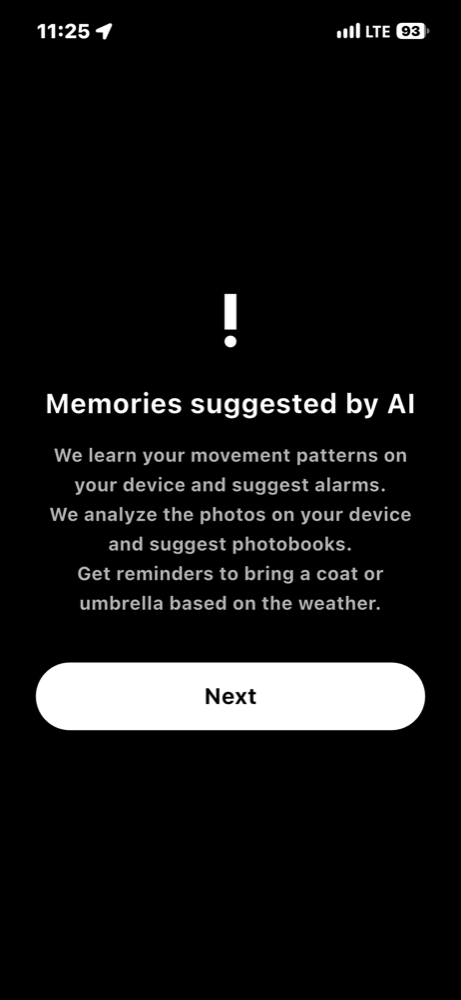
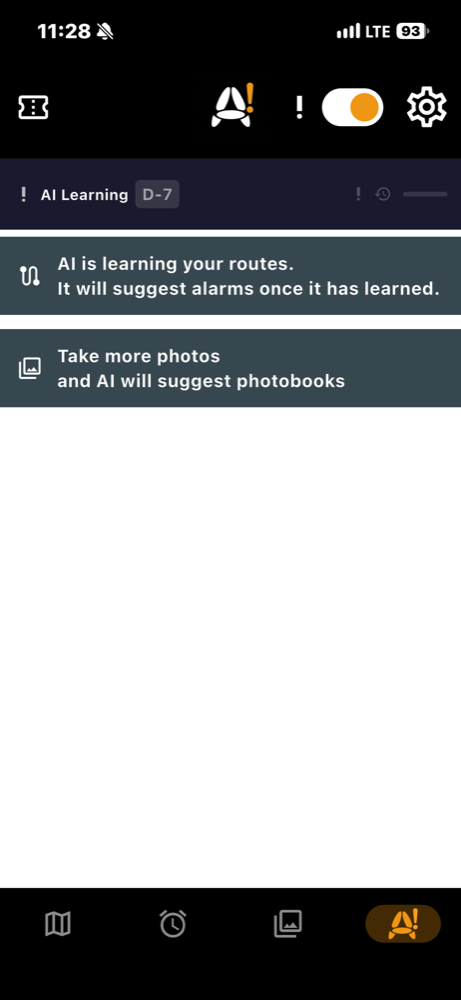
오늘 날씨에 챙길 것, 이동 패턴으로 만든 알람 제안, 사진 분석으로 만든 포토북 제안을 최신 순으로 모아 보여 줘요. 모든 분석은 기기 안에서만 이뤄져요.
정해진 시간이 됐을 때 실제로 저장된 장소의 반경 안에 있는지까지 함께 확인한 뒤에만 알람이 울립니다.
설치 후 며칠간 이동 패턴을 기기 안에서만 학습해 새 알람을 제안합니다. 학습 데이터는 외부로 전송되지 않습니다.
핵심 기능(장소·아이템 등록, 알람 발동)은 계정 없이 전부 사용할 수 있습니다. 로그인은 선택적 클라우드 백업에만 필요합니다.
Google 또는 Apple 계정으로 로그인하면 장소·아이템 데이터만 동기화됩니다. 위치 기록과 AI 학습 데이터는 백업 대상이 아닙니다.
상시 GPS 추적 없이, 화면 켜짐·이동 감지·정기 체크 시점에만 짧게 위치를 확인합니다.
비·눈이 오는 날과 자외선이 강한 날엔 우산·양산을, 갑자기 쌀쌀해지는 날엔 외투를 알려 드립니다. 대략적인 위치(약 1km)만 사용하며 A! 탭에서 AI 제안을 끄면 중단됩니다.
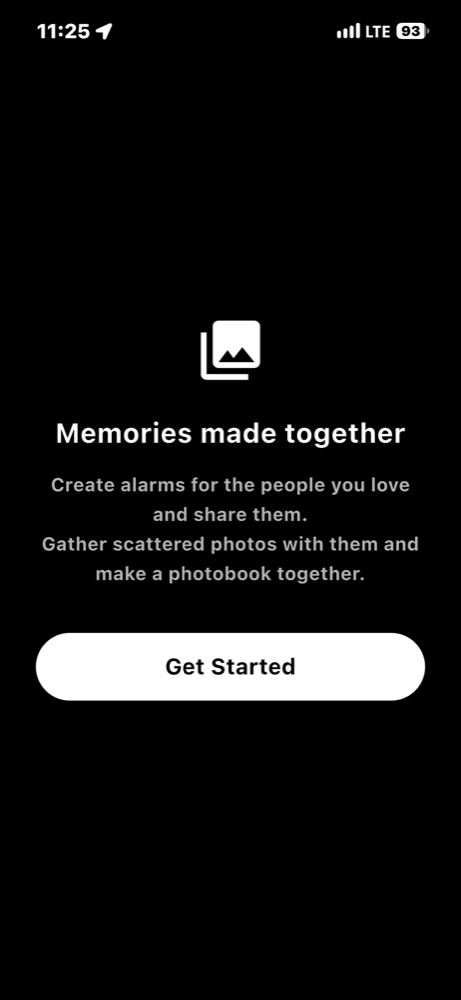
장소와 알람을 링크로 만들어 메신저·문자로 보내세요. 받는 사람이 미리 보고 가져오기를 눌러야만 추가되며, 앱이 없으면 설치 화면으로 안내합니다.
기기 안의 사진을 장소·시간·사람 기준으로 분석해 책처럼 넘겨 보는 포토북을 만들어요. 정사각형 포토북(내지 30쪽)을 만들고, 만든 뒤에도 사진 구도·위치와 표지 제목, 머릿말 쪽을 직접 고칠 수 있어요. 포토북마다 PDF로 받아 메일로 보내거나 파일로 저장할 수 있어요(Google Drive에도 보관). 분석은 기기 안에서만 이뤄지고, 원하면 내 Google Drive에 백업하거나 링크로 공유할 수 있어요(공유 링크는 48시간 뒤 자동으로 닫혀요). A! 탭에서는 AI가 포토북을 하나씩 제안하고, 눌러서 바로 만들 수 있어요. 첫 포토북은 무료예요.
한국어, English, 日本語, Deutsch, Español, 简体中文, 繁體中文를 지원합니다.
Never miss the school supplies when your child heads to school, or the medicine at your parents' home. Keep the precious time with your family in a photobook. AI looks at your movement patterns and photos on your device and suggests alarms and photobooks.
See your saved places as pins on the map; tap a pin to check that place's alarms and photobooks, and add places from the list below the map.
Set a place, a time and days, and the alarm rings only when you are there. Pick just a place and you get one reminder of what to bring when you arrive. The first 2 alarms are free.
Make a square photobook (cover, 30 inner pages, back cover) and flip through it like a real book. Edit photos, layouts and the front-matter page (people who were there and more), and get each photobook as a PDF to email or save.
Today's weather tips, alarm suggestions from your movement patterns and photobook suggestions from photo analysis in one list, newest first. All analysis stays on your device.
When your scheduled time hits, MyMemAlly also checks whether you're actually inside the saved place's radius before it rings.
After a few days of on-device pattern learning, MyMemAlly suggests new alarms. Learning data never leaves your device.
Every core feature — saving places, items, and firing alarms — works without signing in. An account is only needed for optional cloud backup.
Sign in with Google or Apple to sync only your places and items. Location history and AI learning data are never backed up.
No continuous GPS tracking — location is briefly checked only on screen-on, movement, and one daily checkpoint.
An umbrella or parasol on rainy, snowy or high-UV days, a coat when it suddenly turns chilly. Only an approximate location (about 1 km) is used, and turning AI suggestions off in the A! tab stops it.
Turn a place and its alarms into a link and send it by any messenger or text. The recipient previews it and must tap Import; without the app, the link leads to the install page.
Analyze the photos on your device by place, time and people and turn them into a photobook you can flip through like a real book. Photobooks are square (30 inner pages), and after making one you can still adjust photo layouts, positions, the cover title and the front-matter page. You can get each photobook as a PDF to email or save (also kept in your Google Drive). Analysis stays on your device; you can optionally back up to your own Google Drive or share by link (share links close automatically after 48 hours). In the A! tab, AI suggests photobooks one at a time and you can tap one to make it right away. Your first photobook is free.
Korean, English, Japanese, German, Spanish, Simplified Chinese, and Traditional Chinese.